
Table of Contents
If you drive in Saudi Arabia, there's a good chance you've been caught by a Saher camera at some point without even realizing it. The good news is that finding out whether you have an outstanding violation, and dealing with it, doesn't require a trip to a traffic office anymore. It's all handled through a couple of government platforms, and once you know where to click, the whole thing takes less time than making a cup of coffee.
Here's how it actually works, for residents, citizens, and visitors alike.
Why You Should Check Regularly
Traffic fines in Saudi Arabia don't come with a knock on the door. A speed camera or a parking violation gets logged automatically, and unless you go looking, you might not know it's there until it's already grown or started causing problems elsewhere. Unpaid violations can hold up things you'd never expect, like an Iqama renewal, an exit re-entry visa, or transferring ownership of a car. A quick check every month or so is a small habit that saves a lot of hassle later.
Method 1: Check Through Absher
Absher is the Ministry of Interior's main platform for government services, and it's the most direct way to see violations tied to your national ID or Iqama.
Steps:
- Go to the official Absher website or open the Absher app and log in with your username and password.
- Once you're in, look for Digital Services (sometimes labeled "My Services" or "Electronic Services," depending on the app version).
- Select Queries or Inquiries, then Traffic.
- Tap Query Traffic Violations.
- Your violations will appear on screen, showing the date, location, amount, and payment status for each one.
Absher also lets you check violations for family members registered under your account, which is useful if you manage a household with more than one driver.
If you're a visitor without an Absher account, there's a separate visitor inquiry service on the platform where you can look up violations using your passport or border number.
Method 2: Check Through Efaa
Efaa (efaa.sa) is the National Violations Platform, built by the National Information Center under the Saudi Data and AI Authority (SDAIA). Instead of just traffic fines, it covers violations from dozens of government agencies in one place, which makes it handy if you want a fuller picture beyond just Muroor.
Steps:
- Visit efaa.sa.
- Log in using your Absher credentials, or verify through Nafath.
- Choose whether you're checking as an Individual or a Firm.
- Enter your national ID or Iqama number (and the violation number, if you have it) to inquire.
- Click Inquire, and the platform will show every relevant detail: the type of violation, the issuing authority, the amount owed, and the location where available.
Visitors to the Kingdom can also use Efaa by entering their border number along with the violation number. If you don't know your border number, Absher's Individuals Inquiry Service can retrieve it for you.
Method 3: Companies Checking Fleet Violations
Businesses with registered vehicles can check violations through Tamm, by logging into their company account and going to Vehicle Services. This is worth knowing if you're managing a fleet rather than a personal vehicle.
What the Violation Details Actually Show You
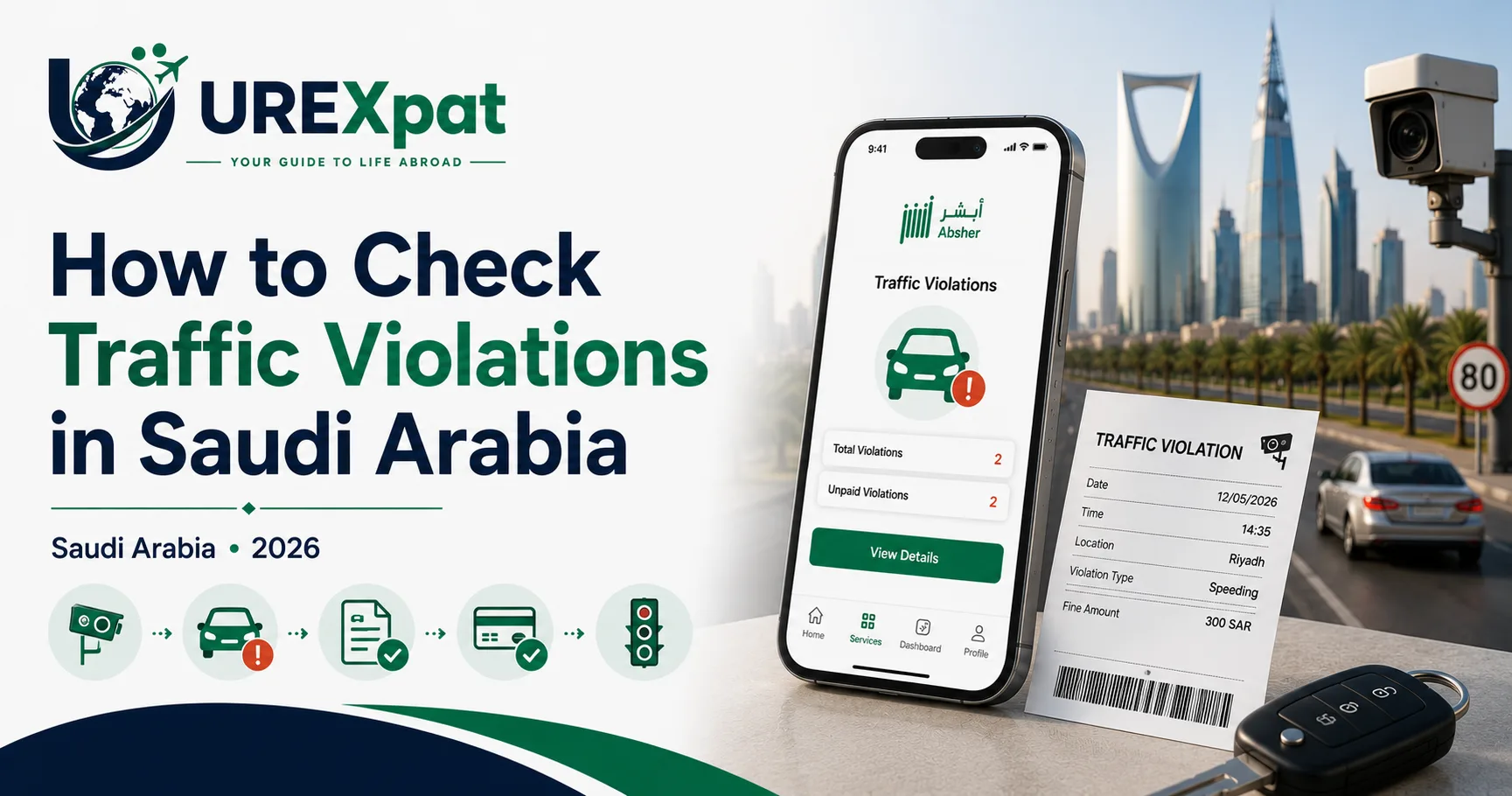
Once you pull up a violation on Absher or Efaa, you'll see the date and time it was recorded, the location, the type of offense, and the fine amount. On the Absher web dashboard, you can often view the camera photo itself, which is worth checking if anything about the violation seems off — a misread plate isn't unheard of.
Paying a Confirmed Violation
If the fine is accurate, you have a few official ways to pay:
- Through Absher or Efaa directly, using the connected electronic payment option.
- Through SADAD, accessible via most Saudi banking apps under a "Traffic Violations" or bill payment section — you'll need your ID number and the violation number.
- Through your bank's app directly (several major banks, including Al Rajhi, offer this under their government services menu).
One thing worth knowing: under Article 75 of the traffic law, paying within 45 days of the violation being recorded typically qualifies you for a 25% reduction on the fine. Pay attention to the deadline shown on your account, since the discount disappears once that window closes.
A word of caution here — stick to Absher, Efaa, or your bank's official app. Fake payment links sent by text message or WhatsApp have become common, and the traffic authority has repeatedly warned against clicking them.
If You Think a Violation Is Wrong
Saudi law gives every driver the right to dispute a fine, and the process runs through Absher.
- Log into Absher and go to My Services.
- Select Traffic Services, then Objection to Traffic Violations.
- Find the specific violation and open it.
- Choose a reason for the objection from the list provided, and add any relevant details explaining your case.
- Agree to the terms and submit.
A few conditions apply. You have 30 days from the date the violation was recorded to file an objection — after that, it's off the table. You can only dispute a given violation once; if a committee has already ruled on it, that decision is final. You also can't have two active objections running for the same violation at once. And if you rack up five rejected objections within the same Hijri year, the system may temporarily suspend your ability to file new ones, so it's worth only disputing cases where you genuinely have a reasonable basis — checking the date, location, and photo evidence first helps.
If Absher rejects your dispute or the process doesn't work for some reason, you can visit your nearest Muroor (traffic) office and file it in person instead, where an officer reviews the photo or video evidence manually.